Ecommerce category page SEO starts with the right text

WriteText.ai writes the category description, meta title, meta description, and Open Graph text for every category page, based on the products inside and the keywords each category can win.

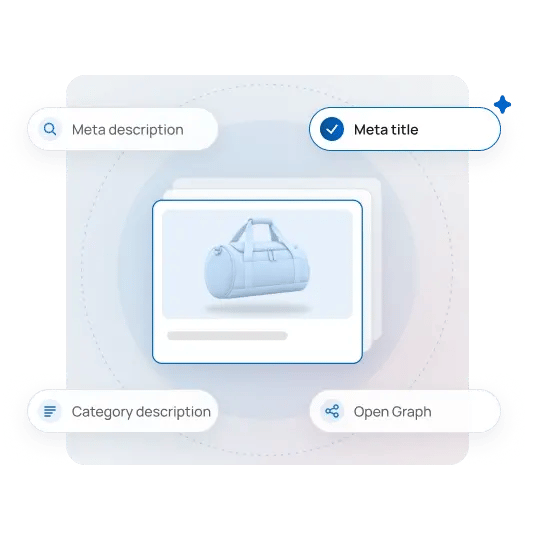
Every text a category page needs

Category pages often rank for the broadest searches in your store, so the content on them counts. WriteText.ai writes each of these texts for both shoppers and search engines.

Category description

Explains what’s in the category and helps shoppers find the right products.

Meta title

The title search engines show, built around the category’s target keyword.

Meta description

A short summary that gives searchers a reason to click.

Open Graph text

The title and description people see when the page is shared on social media.

Written from the products in each category

Writing content for ecommerce category pages starts with knowing what’s in them. WriteText.ai looks at the products inside before it writes.

  • Based on real products. The text reflects the products in the category, their attributes, and their target keywords.
  • Parent categories and subcategories. Each category is its own page, so “Shoes” and “Trail running shoes” each get text that fits.
  • Shopify collections too. On Shopify, WriteText.ai writes collection text for both manual and automated collections.

Keywords that fit each category

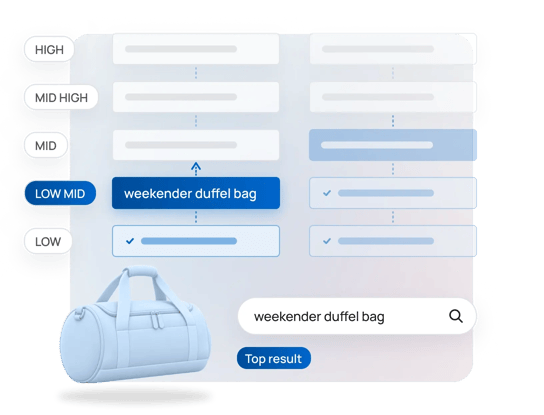
Category pages compete for different searches than product pages. Keyword analysis runs for categories too, so each one targets its own keywords.

  • Category-level keywords. Find the broader searches each category can realistically rank for, with search volume, difficulty, and intent.
  • Room to grow. Keyword pipelines start with keywords a category can win and move to more competitive ones as it ranks.
  • Spot overlap with product pages. The keyword cannibalization report shows where a category page and a product page compete for the same search.

The same structure and voice as your product pages

Category text uses the same templates and voice settings as your product text, so the whole catalog reads as one.

  • Category templates. Build templates for category descriptions and category meta titles, with the sections you want.
  • Your brand voice. Use your brand voice, or your tone and style settings, for category text as well as product text.
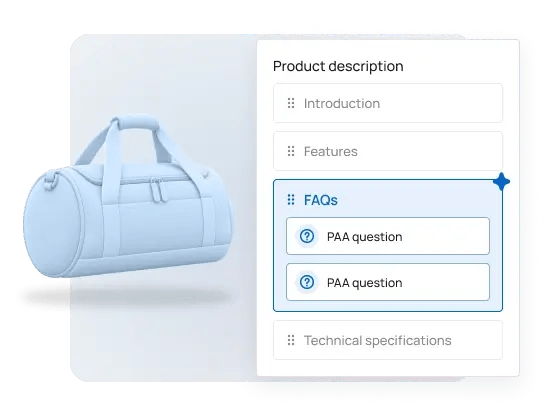
  • Answers shoppers look for. Add FAQ sections and People Also Ask questions to category templates, and see which categories include them in the GEO & AEO report.

Every category, one workflow

Run keyword analysis, generate text, and send it to your webshop for many categories at once.

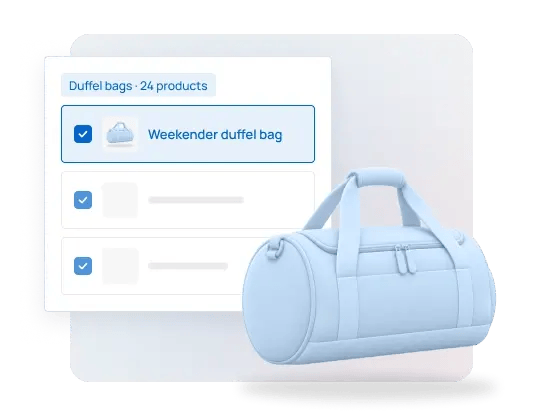
  • Bulk generation. Select the categories you want and generate their text in one go.
  • New categories covered. Turn on automation for newly detected categories, and WriteText.ai writes their text when they’re detected in your store.
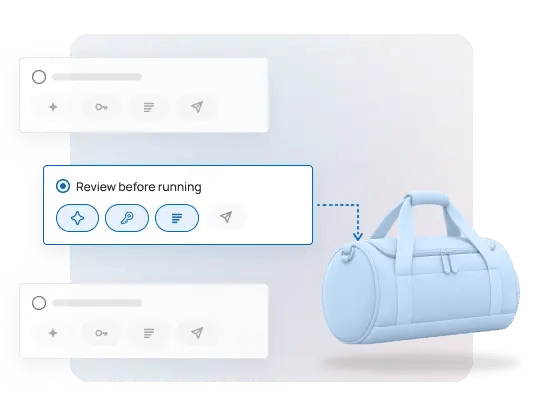
  • Review before it goes live. Check and edit the text in WriteText.ai, then send it to your webshop when you’re ready.

How it works

From keyword analysis to text in your webshop, in three steps.

1

Analyze your categories

Run keyword analysis to find the target keywords for each category.

2

Generate the text

WriteText.ai writes the text with your template and your brand voice.

3

Review and send

Check the text, edit it if you like, and send it to your webshop.
FAQs

Which texts does WriteText.ai write for category pages?

The category description, meta title, meta description, and Open Graph text. You can generate all four  in one run.

How does WriteText.ai know what a category is about?

It looks at the products in the category, including their attributes and target keywords, so the description reflects what you actually sell there. Categories with more complete product data get more specific text.

Does it work for subcategories?

Yes. Parent categories and subcategories are treated as separate pages, and each one gets its own text.

Does it work with Shopify collections?

Yes. On Shopify, categories are collections, and WriteText.ai writes collection text for both manual and automated collections, so your Shopify collection page SEO is covered too.

How do I optimize category pages for SEO?

Give each category its own target keywords, then use them in a clear meta title, a meta description that earns the click, and a category description that helps shoppers choose. That’s what SEO for ecommerce category pages comes down to, and WriteText.ai handles each step. The keyword cannibalization report also shows where a category competes with your product pages.

Will it overwrite my existing category descriptions?

Only when you send the new text to your webshop. You can review and edit everything in WriteText.ai first, and nothing changes in your store until you send it.

How are keywords used in category text?

Run keyword analysis for your categories to find the searches each one can rank for. WriteText.ai then writes those target keywords into the description, meta title, meta description, and Open Graph text.

Can I use templates for category descriptions?

Yes. Build a template for category descriptions and one for category meta titles, so every category page follows the same structure.

Which ecommerce platforms does it work with?

WriteText.ai connects to WooCommerce, Shopify, and Magento, and category text works the same way on all three.

Give every category page its own text

Generate category text for your whole catalog, review it, and send it to your webshop.