Meet Version 5: enriched product data, better text, and multi-channel publishing. See what's new.

Add your supplier product data to the WriteText.ai import file, upload it, and update the attributes of products already in your WooCommerce, Shopify, or Magento webshop.
Your suppliers already have the specs. Getting them into your webshop one field at a time is where the time goes and the mistakes creep in.
Every new range means opening the supplier sheet and retyping colors, materials, sizes, and patterns product by product.
A value pasted into the wrong attribute or onto the wrong product is easy to miss and hard to find later.
When each person enters data their own way, the same attribute ends up with different values across your catalog.
Import supplier data once, check it in one place, and send it to your webshop when it's ready.
Download the WriteText.ai import template, with a column for the SKU and one for each attribute.
Add the supplier data to the template, one row per product.
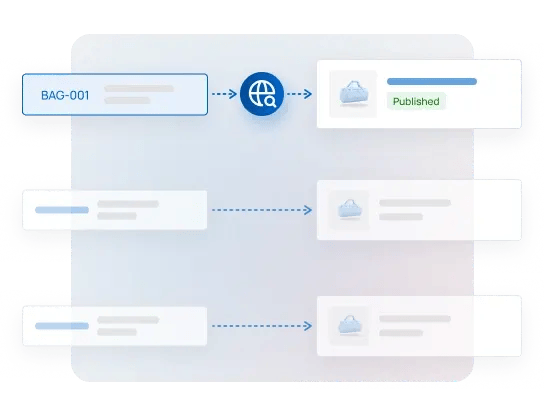
Upload the file, and each row is matched to a product in your webshop by SKU.
Your attributes update in WriteText.ai right away. Check them, then send them to your webshop.
SKU matching connects each row in your import file to the product it belongs to, so supplier data goes exactly where it should.
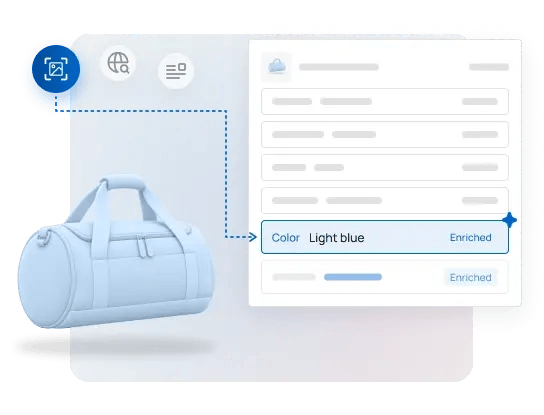
Supplier files are rarely complete. After you import, run product data enrichment on the attributes that are still empty.
Uploading the file updates your attributes in WriteText.ai straight away. Your webshop only changes when you send the products to it.
Once your attributes are complete, use them for everything that comes next in WriteText.ai.
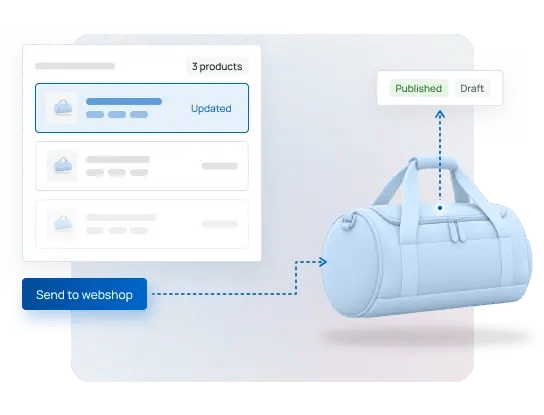
Send to your webshop and publish to Google Merchant Center, Meta, eBay, Lazada, and Microsoft Merchant Center.
IntegrationsSupplier data import brings the product information your suppliers send you into your product attributes, so you don’t have to copy specs into your webshop by hand. In WriteText.ai, you add the supplier data to the import file, upload it, and the values are matched to your products by SKU.
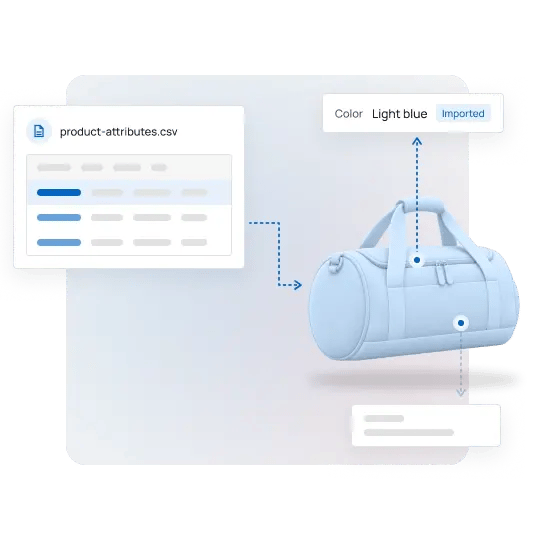
The WriteText.ai import file comes as a CSV, XLSX, or XLS template.
Not as is. Add the supplier data to the WriteText.ai import file first: one row per product, with the SKU in the first column and one column per attribute. That keeps every value in the right attribute and makes the upload predictable.
Each row in the import file is matched to a product in your webshop by SKU.
No. It updates the attributes of products that are already in your webshop. To add new products, create them in WooCommerce, Shopify, or Magento first, then fetch them into WriteText.ai.
Yes. Supplier data import works with products from WooCommerce, Shopify, and Magento. Imported values update your products in WriteText.ai right away. When you send them to your webshop, each product keeps its status: drafts stay drafts, and published products go live with the update.
Not in your webshop. Nothing changes there until you send the products to it. In WriteText.ai, yes: uploaded values replace the existing values for those attributes right away.
Run product data enrichment on the attributes the supplier left empty. WriteText.ai can fill them in using image analysis, online research, or the text already on your products.
Start a 14-day free trial on 10 products you choose from your own catalog. Every feature is included, so you can import supplier data, enrich attributes, generate text, and send it all to your webshop.