Bring your own key, and choose the AI behind your content

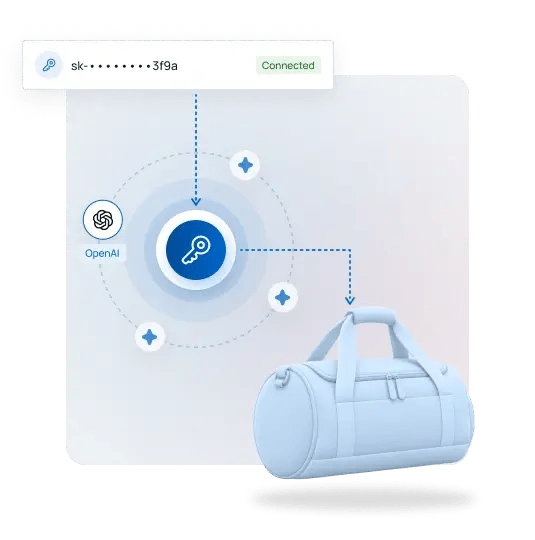
Connect your own OpenAI, Anthropic, or xAI API key to WriteText.ai. Pick the model for each task, and pay your provider directly for what you use.

Why bring your own key

Use the AI provider you already work with, on your terms.

Pay your provider directly

Your provider tracks the usage on your key and bills you for it.

Pick the right model

Choose the model and reasoning level for each task in WriteText.ai.

Your key, encrypted

WriteText.ai encrypts your key before it’s stored.

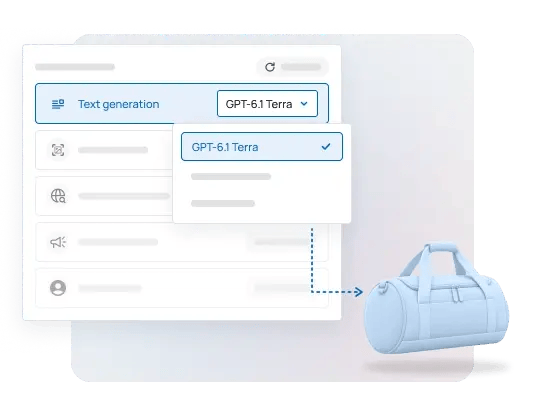
Choose the model for every task

Each task starts on the model we recommend for it. Change any of them to fit your catalog and your budget.

  • Recommended defaults. Start with models picked for each task, from text generation to image analysis.
  • Your choice of model and reasoning. Use a more capable model where quality matters most, and a lighter one where it doesn’t.
  • Back to defaults anytime. Reset to the recommended models whenever you want.

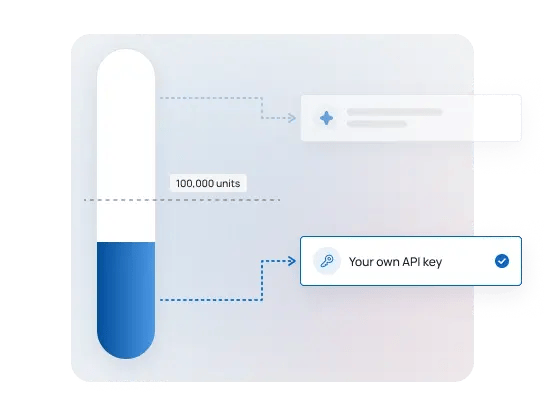
Use your units first, with your key as backup

Already have WriteText.ai units? Use them before your own key.

  • Units first. Tasks use your unit balance while you have at least 100,000 units.
  • Your key takes over. Below 100,000 units, tasks switch to your own key and model settings.
  • No interruptions. Your work keeps running when your balance gets low.

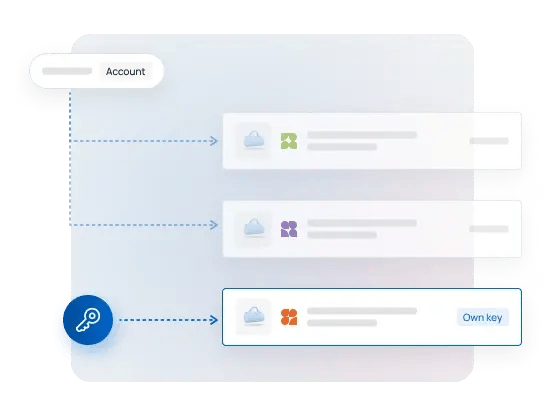
One key for your account, or one for each webshop

Set your key once and every webshop uses it. Give any webshop its own settings when it needs them.

  • Account-wide by default. Your provider, key, and models apply to every webshop.
  • Separate settings per webshop. Give any webshop its own provider, key, or models. This is useful for agencies that want to keep each client's AI costs separate.
  • Made for agencies. Run each client’s webshop on that client’s own key.

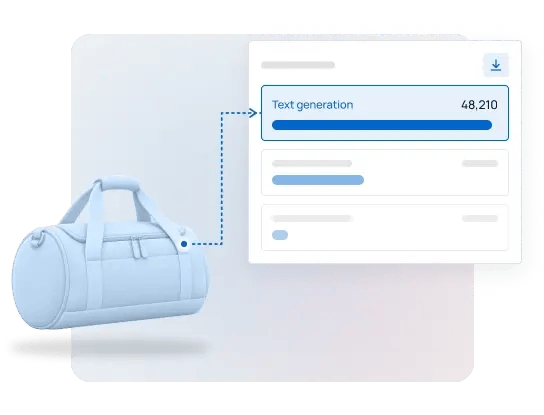
See every token you use

The token usage report shows how your own keys are used across your account.

  • Usage in detail. See tokens by action, user, provider, and model.
  • Input and output tokens. Track processed, reused, and saved input tokens, plus output tokens.
  • Export as CSV. Take your token usage into your own spreadsheets.

Reports

What runs on your key

Your key powers the AI work across WriteText.ai.
Text generationImage alt textAttribute enrichmentImage analysisAI online researchBrand voice analysisSuggested audienceSales channel attribute mapping
Keyword analysis always uses WriteText.ai units.

FAQs

What does bring your own key (BYOK) mean?

BYOK means connecting your own AI provider API key to WriteText.ai. Your AI tasks then run on your key, and your provider bills you directly for that usage instead of WriteText.ai units being used.

Which AI providers can I use?

OpenAI, Anthropic, and xAI.

Who charges me for usage on my key?

Your AI provider. It tracks the usage on your key and charges you directly.

Do I need a WriteText.ai subscription to use my own key?

Yes. BYOK is included with the WriteText.ai subscription.

Is my API key safe?

WriteText.ai encrypts your key before storing it.

Can I choose which model each task uses?

Yes. Every task starts on the model we recommend for it, and you can pick a different model or reasoning level for any task. Higher-tier models use more tokens per request.

Does everything run on my key?

Most AI tasks do, including text generation, attribute enrichment, image analysis, and brand voice analysis. Keyword analysis always uses WriteText.ai units.

Can I use my WriteText.ai units and my own key together?

Yes. Turn on “Use WriteText.ai unit balance first” and your units are used while you have at least 100,000. Below that, tasks switch to your own key.

Can I use different keys for different webshops?

Yes. Your account settings apply to every webshop by default, and any webshop can have its own BYOK settings.

How do I keep track of my token usage?

The token usage report shows the tokens used on your own keys by action, user, provider, and model, and you can export it as a CSV file. You can also check usage in your AI provider’s dashboard.

Run WriteText.ai on your own key

Connect your OpenAI, Anthropic, or xAI key and choose the models that fit your catalog.