User roles and permissions, webshop by webshop

Invite your team, choose what each person can view or change, and decide which webshops they can work on. Your content team can write and enrich, while only the people you choose can send to your webshop or publish to sales channels.

Five built-in roles, plus your own

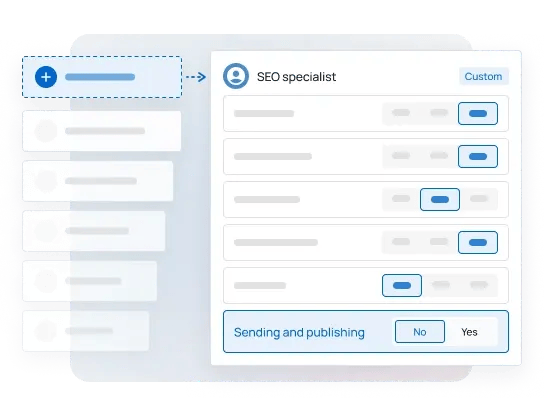
Start with five ready-made roles, or create your own when your team needs something different.

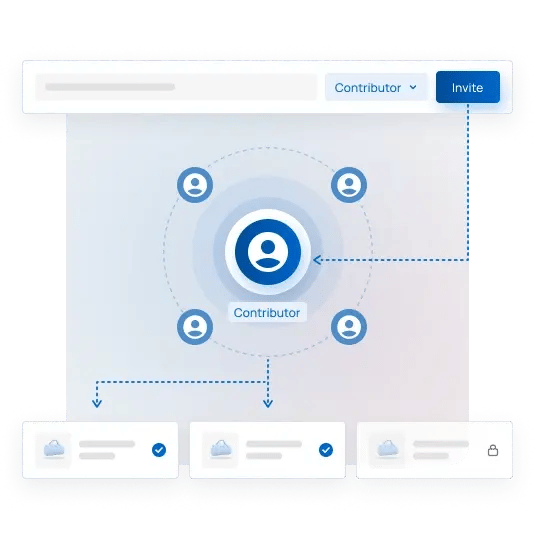
Main account holderAdministratorEditorContributorViewer+ Custom roles
  • Ready from day one. The built-in roles cover most teams, from full control to view-only.
  • Shaped around your team. Custom roles give each job exactly the access it needs.
  • Safer by default. People only get to change what their role allows.

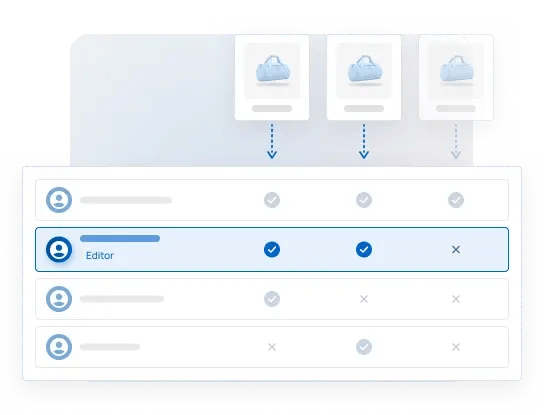
Access to the right webshops only

Assign webshops to each person, so they only see and work on the webshops you give them access to.

  • Webshop access per user. Choose the webshops when you invite someone.
  • Full access where it’s needed. Main account holders and administrators can access all webshops.
  • Built for agencies. Keep each client’s webshop separate, across up to 20 webshops in one account. Contact us if you need more.

Keep the big decisions with the right people

Actions that change your webshop, your channels, or your data are separate permissions, so you decide exactly who can take them.

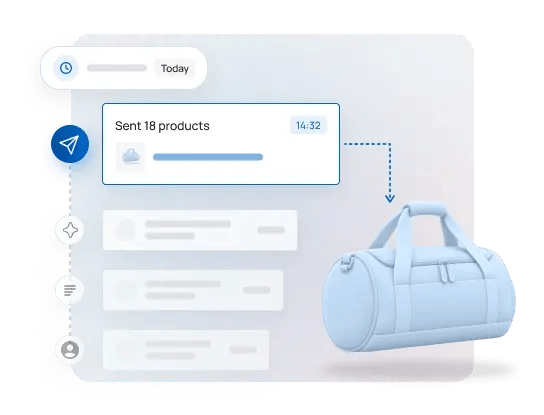
Sending and publishing

Only the people you choose can send to your webshops or publish to sales channels.

Data deletion

Permanent deletion is its own permission, because deleted data can’t be restored through WriteText.ai.

Billing, keys, and webshops

Account settings, BYOK and token usage, and adding or unlinking webshops are each kept separate.

See what your team has done

The audit trail records account activity and unit usage, so you can follow what’s happening in your account.
  • Audit trail. Review account activity and unit usage across your team.
  • Reports and history. Give access to reports and text generation history.
  • Export when you need it. Exporting the audit trail and reports are separate options.

FAQs

What user roles does WriteText.ai have?

Five built-in roles: main account holder, administrator, editor, contributor, and viewer. You can also create custom roles with your own set of permissions.

Can I change what a built-in role can do?

Built-in roles can’t be edited. Create a custom role instead, set each permission, and assign it to team members.

Can I limit a team member to certain webshops?

Yes. When you invite someone, you choose the webshops they can access. Main account holders and administrators can access all webshops.

Who can send content to a webshop or publish to sales channels?

Only users whose role has Sending and publishing turned on, together with Edit access to the area they’re sending from. Contributors and viewers can’t send or publish.

Can I stop team members from deleting data?

Yes. Data deletion is a separate permission. Deleted data can’t be restored through WriteText.ai, so you can keep it for the people who need it.

Can team members change account settings or see our API key?

Only if their role allows it. Account settings and BYOK and token usage are separate permissions, and the built-in editor, contributor, and viewer roles don’t include them.

How do I add a team member?

Go to Users and roles, enter their email address, choose a role, select the webshops they can access, and send the invite.

How can I try WriteText.ai?

Start a 14-day free trial on 10 products you choose from your own catalog. Every feature is included.

Bring your whole team into WriteText.ai

Invite your colleagues, give each of them the right role, and work on your catalog together.