WriteText.ai 4.5 is here: expanded alt text coverage, default templates, and more. See what's new.

WriteText.ai 4.5 is here: expanded alt text coverage, default templates, and more. See what's new.
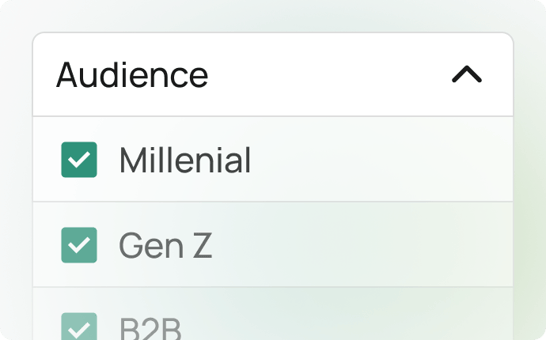
Audience targeting in WriteText.ai for Shopify is a feature designed to help store owners tailor their product descriptions, page titles, meta descriptions, and Open Graph text to their target audience.
By understanding who your customers are, you can create more relevant and compelling content that speaks directly to their needs and interests.
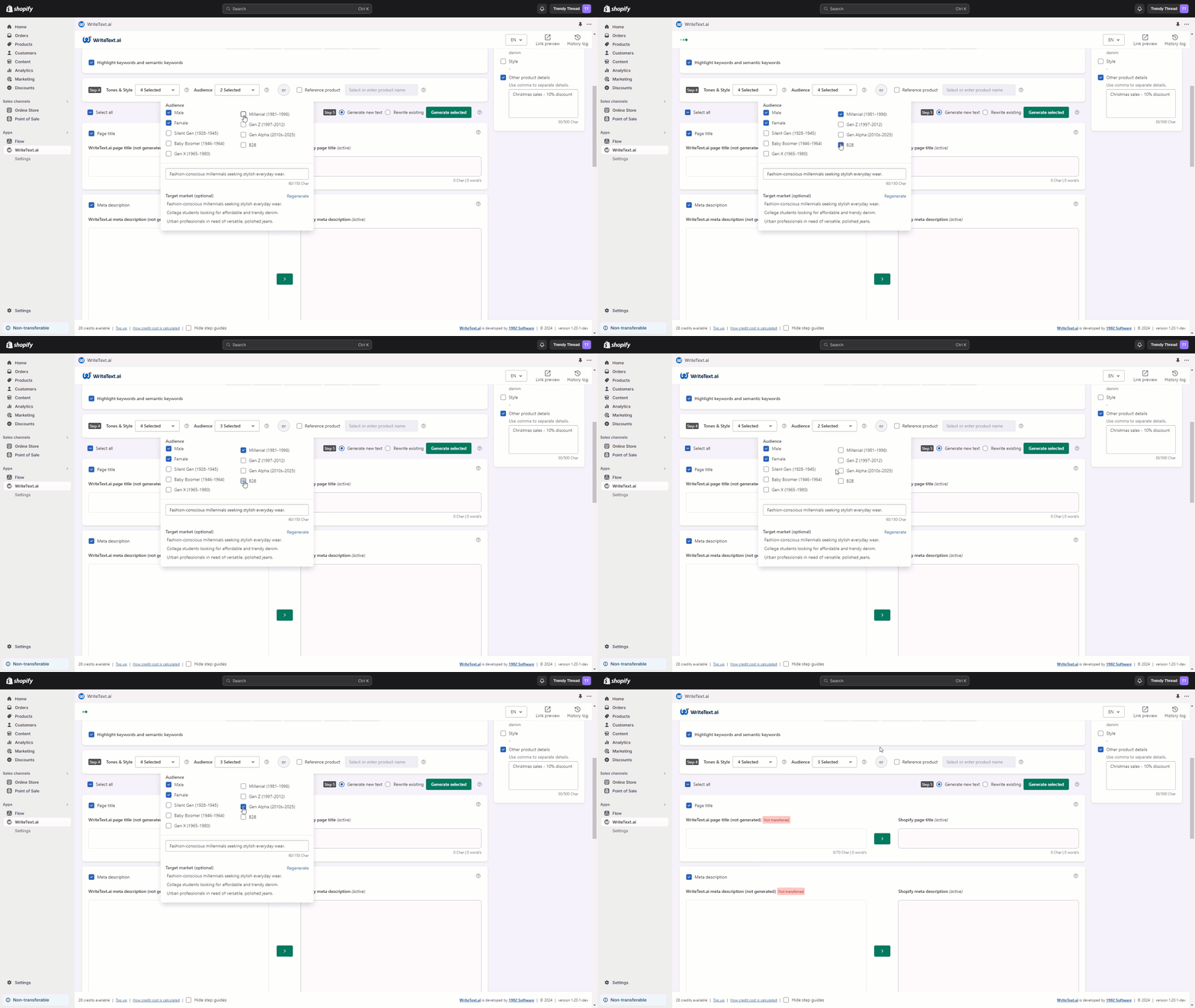
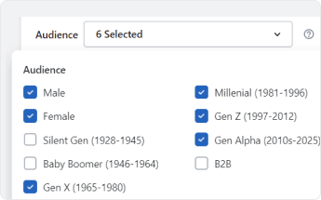
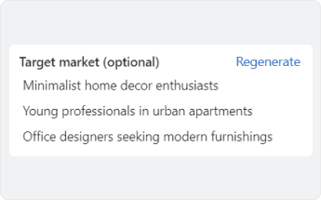
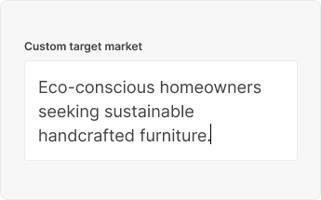
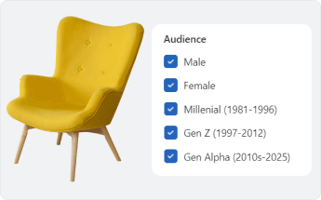
This feature provides three options for targeting your audience: selecting preset demographics like gender and generation, choosing from AI-generated target markets, or entering a custom target market that aligns with your unique business goals.
Effective audience targeting is key to standing out in a crowded marketplace. By tailoring your product descriptions to your customers, you can:
Content that resonates with your target audience is more likely to capture their attention and encourage interaction.
When customers see that your products meet their specific needs and preferences, they're more likely to make a purchase.
Personalized content fosters a deeper connection with your brand, leading to repeat business and long-term customer loyalty.
Audience targeting helps you allocate resources more effectively, ensuring that your marketing efforts are directed toward the customers most likely to convert.
While audience targeting is a standout feature, WriteText.ai offers many other tools to enhance your Shopify store. Experience convenience and speed in ecommerce copywriting with WriteText.ai’s suite of features from product description generator, to reference product, keyword analysis, custom tones, style, and more. See full list of features here.
By selecting the right audience for your product descriptions, you ensure that your messaging is both relevant and persuasive, leading to increased engagement, higher conversion rates, and a stronger connection with your customers. Unlock the potential of your Shopify store today with WriteText.ai for Shopify's powerful audience targeting feature.
Audience targeting is available in both single and bulk generation modes in WriteText.ai for Shopify. In single mode, you can set a specific audience for each individual product before generating. In bulk mode, you define a target audience to apply consistently across all selected products in that batch. This makes it practical to segment your catalog — for example, running one bulk generation pass for consumer-facing products and another for trade or wholesale listings, each with a different audience profile.
Audience targeting and tone and style settings are separate inputs in WriteText.ai, and they work together rather than replacing each other. Tone and style controls the voice and format of the content — for example, whether it reads as playful, professional, or minimal. Audience targeting shapes who the content is written for, influencing word choice, benefit emphasis, and the assumptions the copy makes about the reader. Setting both gives you the most precise output: a specific voice speaking directly to a specific customer.
Yes — audience targeting is set at the product level in WriteText.ai, so each product in your Shopify store can have its own audience profile. This is useful for stores with a diverse catalog where different products genuinely serve different customer types. You can assign a generational demographic to one product, a custom professional audience to another, and let WriteText.ai suggest a market for a third — all within the same store and subscription.
WriteText.ai's audience targeting feature is applied during content generation for individual products, which includes the content that appears on your product pages. For collection-level content, WriteText.ai offers separate tools for generating collection descriptions. If consistent audience targeting across both products and collections matters to your store strategy, it's worth setting up your audience profiles thoughtfully at the product level first, then ensuring your collection copy reflects the same positioning.
The AI-generated target market suggestions are based primarily on your product name and any keywords you've added. The more descriptive and specific these inputs are, the more relevant the suggestions tend to be. A product named "Blue Cushion" will generate broader suggestions than one named "Organic Linen Lumbar Cushion — Scandi Style," because the latter gives the AI more context about the product's nature, market positioning, and likely buyer. If the initial suggestions feel off, improving your product name or adding more targeted keywords before regenerating will usually produce better results.
Audience settings in WriteText.ai are retained at the product level, so once you've defined an audience for a product, it is saved with that product's configuration for future use. In bulk mode, the audience you set applies to the batch you're running at that time. For ongoing content updates or regeneration, having your audience profiles already set means you don't need to reconfigure from scratch each time — your settings carry forward as part of the product's content workflow inside your Shopify admin.