img-feature-content-user-control-no-bg

Templates and content control

Shape every word and layout to fit your brand. WriteText.ai lets you build reusable templates, insert image and FAQ blocks, add special instructions and custom prompts, and fully control voice, structure, and audience across every product and category page.
wt-features-templates

Templates

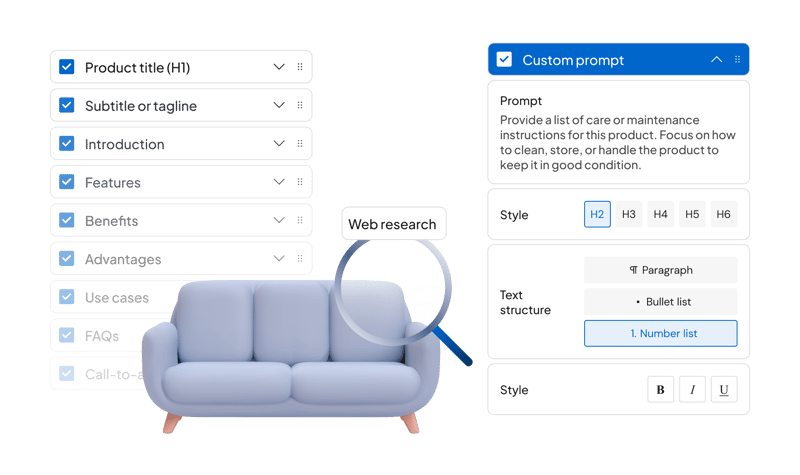
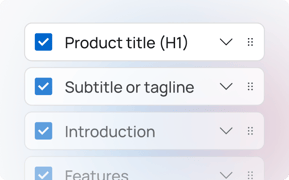
Build and reuse templates with custom structures for product and category content with overall instructions to maintain high-level guidance across all sections. Templates include configurable AI-powered web research levels (None, Basic, Advanced) for custom sections and are designed to be easily integrated with store layouts regardless of whether the shop uses a page builder, standard template, or a custom layout. Read more about how to integrate your layout with WriteText.ai.

wt-features-custom-prompts

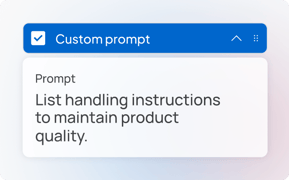
Custom content prompts

Create sections powered by your own prompts to generate tailored content that fits specific product needs.
wt-features-special-instructions-section

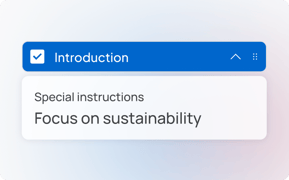
Special instructions for template sections

Add section-specific instructions like “focus on sustainability” to guide how content is written. These prompts override default behavior and help align text with your campaign or brand goals without editing each product.
wt-features-css-styling

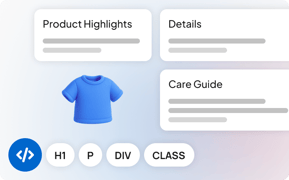
CSS styling for layout and branding

Style your product pages exactly how you want them—each section is automatically wrapped in a CSS class, so your generated content follows the layout and formatting you've designed. No manual adjustments needed.

wt-features-faqs

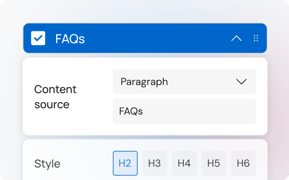
FAQs / Q&A sections

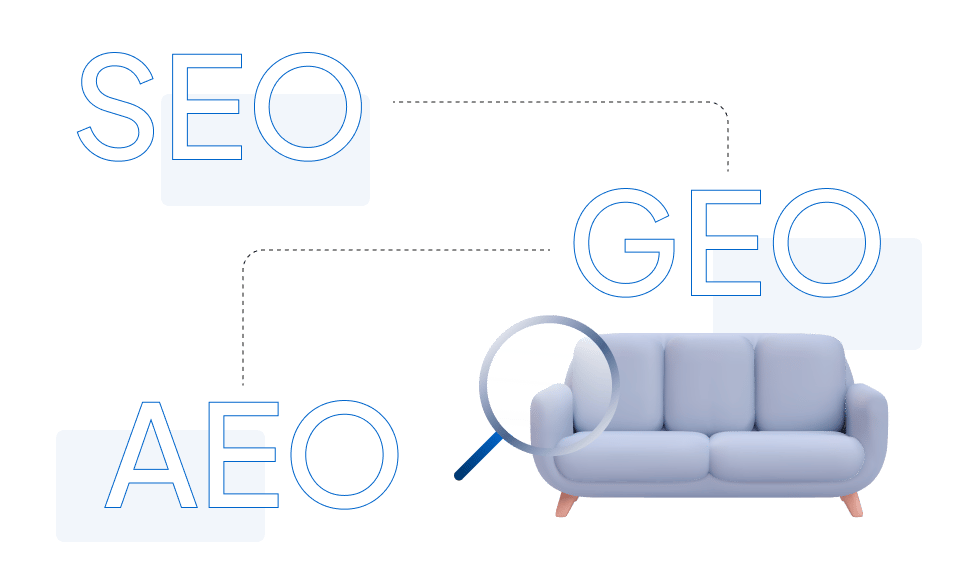
Add dedicated FAQ or Q&A sections to your product and category templates. These sections not only help customers make informed decisions but also play a critical role in Generative Engine Optimization (GEO) and Answer Engine Optimization (AEO)—improving your chances of being featured in AI-generated answers and voice search results.
wt-features-img-block

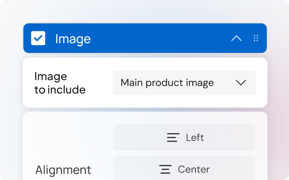
Create image sections

Add image sections to your content layout and generate image descriptions to visually enhance both product and category pages.

wt_features_custom_static_text

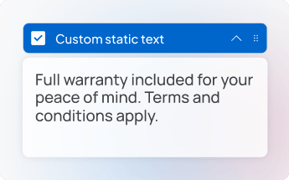
Static content blocks

Add fixed text blocks directly into your templates such as disclaimers, warranty information, shipping notes, or any standard copy that should appear on every product page. Static blocks are inserted exactly as written, with no AI rewriting, so your boilerplate content stays consistent and accurate across your entire catalog.
wt_features_links_generated_content

Links in generated content

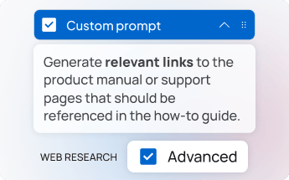
WriteText.ai can include real, verified hyperlinks directly in your generated content — found and confirmed by the AI at the time of writing, no manual editing required. Using a custom prompt section with Advanced research, you can automatically generate content sections that link to recipes, tutorials, care guides, related products, and more. Learn how.
wt-features-select-product-attributes

Select existing product data in your backend

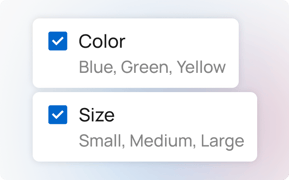
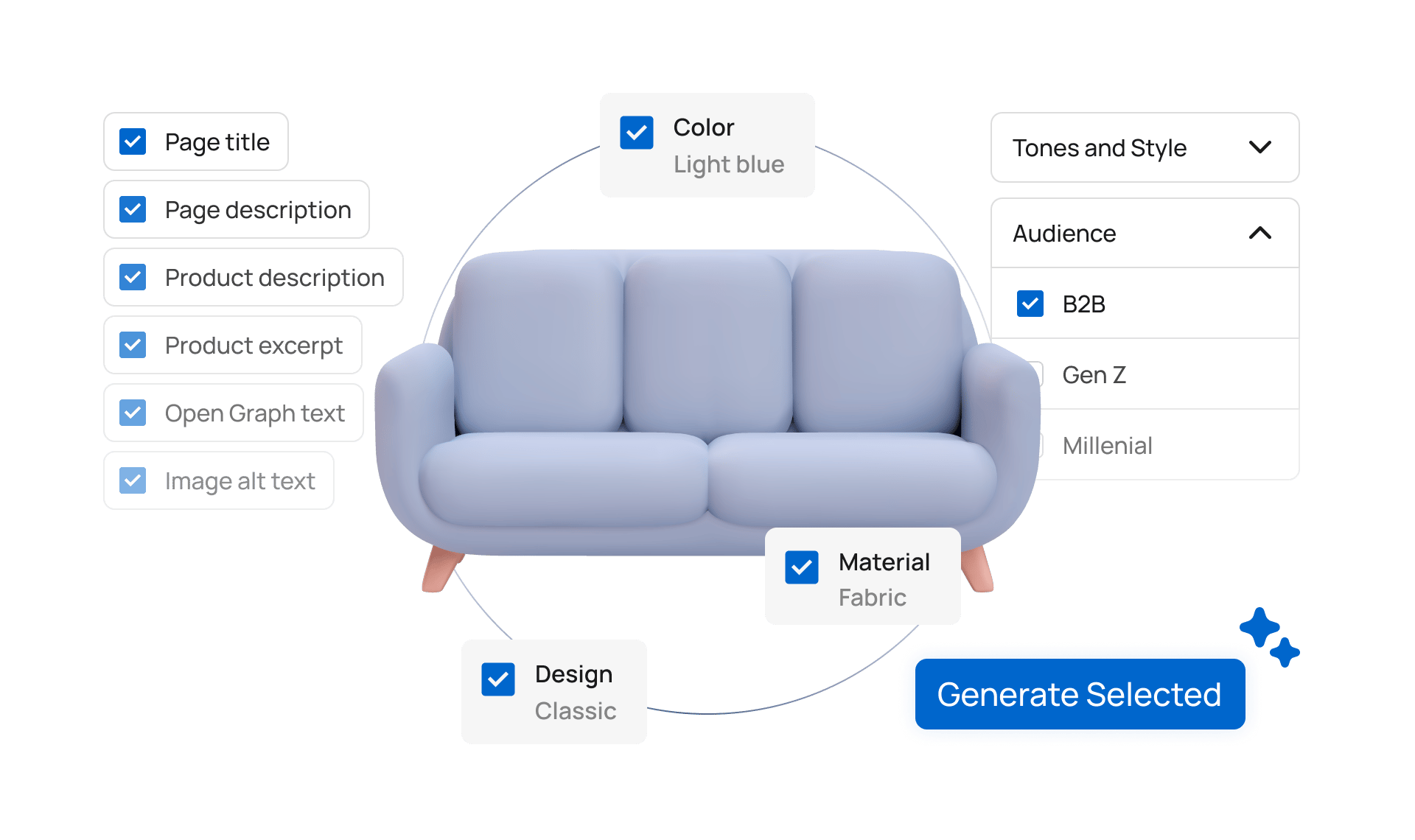
WriteText.ai automatically scans the available product data, attributes, custom fields, and metafitelds in your backend so you can select them to give AI more context when generating text.

See in action:
wt-features-product-research

Product research

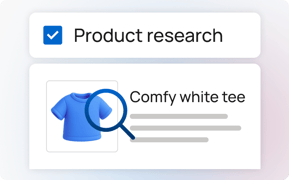
Enhances limited product data by using AI to research and incorporate up-to-date details, producing higher-quality, more accurate, and informative product descriptions.
See in action:
wt_features_brand_voice

Brand voice

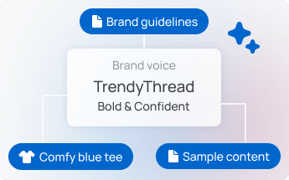
Upload your brand guidelines or sample content to build your unique voice. You can also pull existing product descriptions directly from your linked webshop so the AI learns from copy you've already approved. Once set, your brand voice is applied consistently across every product and category page WriteText.ai generates.
wt-features-tones-style

Experiment with tones and styles

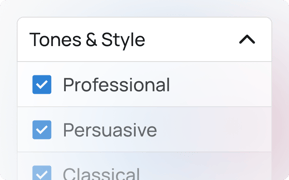
Select from predefined tones and styles. Align your product descriptions with brand identity.
See in action:
wt-features-write-custom-tone-style

Write your own custom tone and style

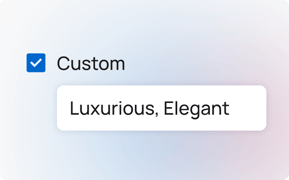
Describe a custom brand voice for the AI to mimic. Maintain unique brand identity across products.
See in action:
wt-features-target-audience

Select a target audience

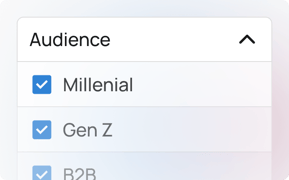
Choose from demographics like gender and generation to tailor your text for the right customers.
See in action:
wt-features-target-market

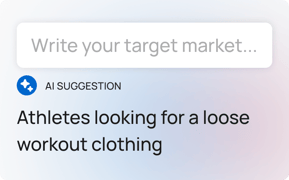
Choose from AI-suggested target markets

Let AI suggest markets based on product name and keywords. Built for multi-brand and multi-market capabilities, it helps you focus on the prospects who are most likely to convert.
See in action:
wt-features-target-length

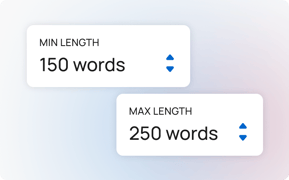
Set a target length for your text

Define target minimum/maximum word counts for product and category descriptions.
See in action:
wt-features-representative-products

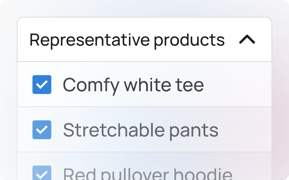
Set representative products for better category text

Improve category descriptions by selecting key products to guide the writing. WriteText.ai analyzes these representative items to create focused, high-quality text that accurately reflects your best offerings.
See in action:
wt-features-user-roles

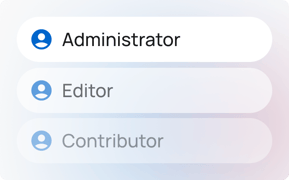
Define permissions by user roles

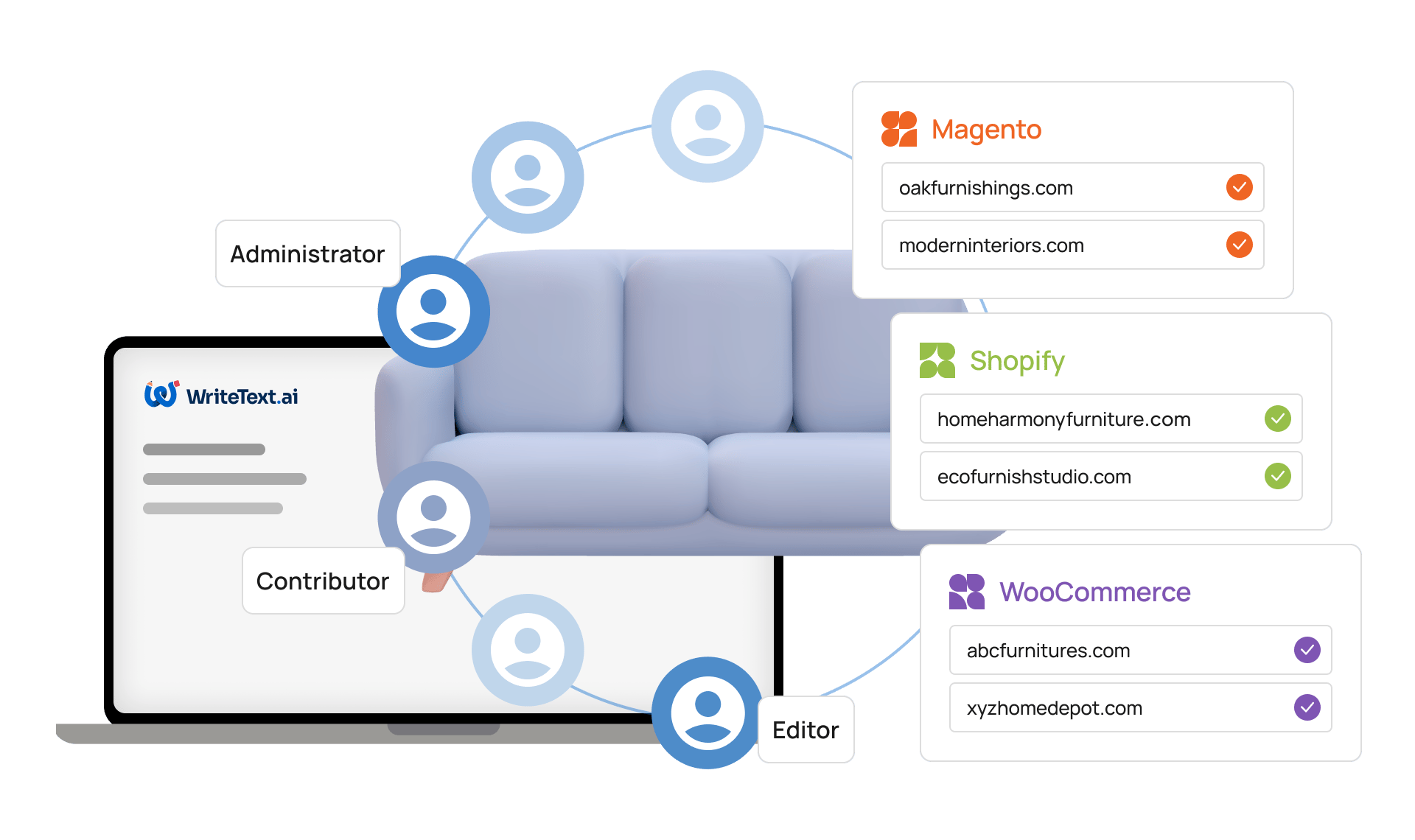
Streamline your process by defining user roles, enabling you to control access and permissions for each member of your team, with no limit to the users who can generate text at the same time.

wt-features-additional-prompt

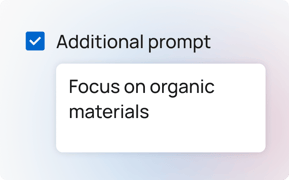
Additional prompt

Allows input of additional instructions for single text generation, which are included in the AI prompt to guide generation based on specific requirements.
See in action:

FAQs

What is the difference between the None, Basic, and Advanced web research levels in WriteText.ai's custom template sections?

Web research levels control how deeply WriteText.ai searches for information when generating content for a custom section. None means the section is written using only the product data already available in your store. Basic performs a quick web lookup to verify and supplement product details. Advanced conducts deeper research and retrieves comprehensive information along with source links, making it suitable for generating sections that require up-to-date facts, technical specifications, or external references.

How does WriteText.ai's brand voice feature learn from existing content?

The brand voice feature in WriteText.ai can be trained in two ways. You can upload your brand guidelines or sample copy directly, and the platform uses that material to build a voice profile. Alternatively, WriteText.ai can pull existing product descriptions from your connected store and use those as the training input, which is useful if you have already-approved copy that reflects the tone and style you want to replicate across your full catalog.

Do static content blocks in WriteText.ai get rewritten by the AI during content generation?

No. Static content blocks are inserted exactly as you write them and are not modified by the AI during generation. They are designed for fixed text such as disclaimers, warranty information, or shipping notes that must appear verbatim on every product page. The AI generates the surrounding sections according to your template settings while leaving static blocks unchanged.

How does WriteText.ai's FAQ section feature support GEO and AEO optimization?

WriteText.ai allows you to add a dedicated FAQ or Q&A section to your product and category templates. AI systems used in generative search and answer engines favor content that is clearly structured and directly answers questions. A dedicated FAQ section gives those systems a well-formatted block of question-and-answer pairs to extract, which improves the likelihood of your content appearing in AI-generated answers and featured snippets. FAQ content written in natural question language also maps well to voice search queries.

Can I use special instructions in WriteText.ai to focus content on a campaign theme, such as sustainability or a seasonal promotion?

Yes. WriteText.ai allows you to add section-level special instructions within your templates, such as directing the AI to focus on sustainability, emphasize a specific material, or highlight a seasonal promotion. These instructions guide how content is written for that section across all products generated using that template, without requiring you to edit each product individually.

How does WriteText.ai's product research feature help when product data in my store is limited?

The product research feature in WriteText.ai uses web research to find and incorporate additional details about a product when your store's attribute data is sparse. At the Basic level, it performs a quick lookup to verify and enrich product context. At the Advanced level, it conducts deeper research and retrieves comprehensive information with source references. This means products with minimal attributes can still receive accurate, detailed descriptions without manual data entry.

Does WriteText.ai allow different team members to have different levels of access to templates and content generation?

Yes. WriteText.ai supports user role management, allowing you to control which team members can create templates, generate content, or publish changes. Availability and limits depend on your plan.

Automated SEO, without the agency price tag

Automate your entire content creation workflow – from generating copy to optimizing keywords to publishing on your site – all in a matter of minutes, not days.
×