
Follow the instructions below to install and activate the extension properly.
Minimum Requirements
- Magento version 2.4.4 or above. Tested up to version 2.4.8.
- PHP version 8.1 or above. Tested up to version 8.4.
How to install WriteText.ai using Zip file
- Download the extension as a compressed file (.zip format).
- In your command line interface, go to the
app/code/WriteTextAIdirectory. Then, unzip the extension file you downloaded by running theunzipcommand followed by the file name, e.g.,unzip WriteTextAI.zip
In the Magento folder, it will look like this: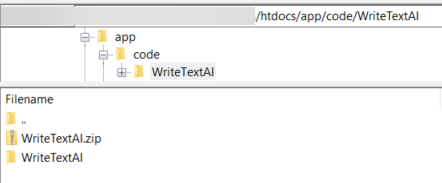
- After unzipping the file, navigate to the root directory of the Magento installation.
Run the commandphp bin/magento module:enable WriteTextAI_WriteTextAIto enable the extension.
This step ensures the AI integration for Magento is successfully recognized by your system. - Run the following commands to upgrade, deploy, and clean the cache:
php bin/magento setup:upgrade
php bin/magento setup:di:compile
php bin/magento setup:static-content:deploy -f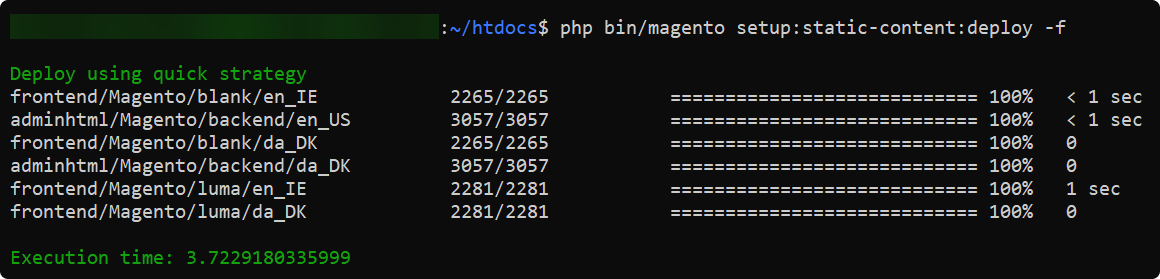
php bin/magento cache:clean
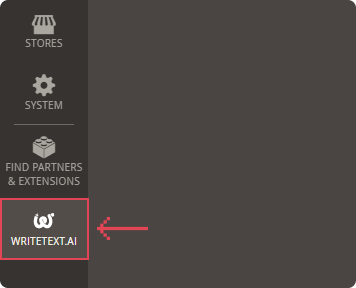
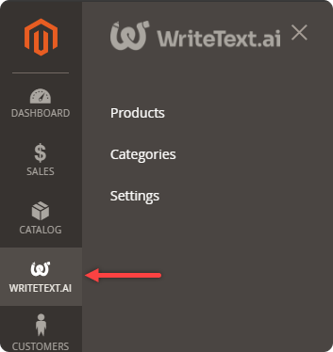
- Log in to the Magento admin panel, navigate to Writetext.ai Module and proceed to the Extension setup guide.
How to install WriteText.ai for Magento via composer
Add the Extension to Your Cart and Complete Checkout
- Go to the WriteText.ai listing on Adobe Commerce Marketplace.
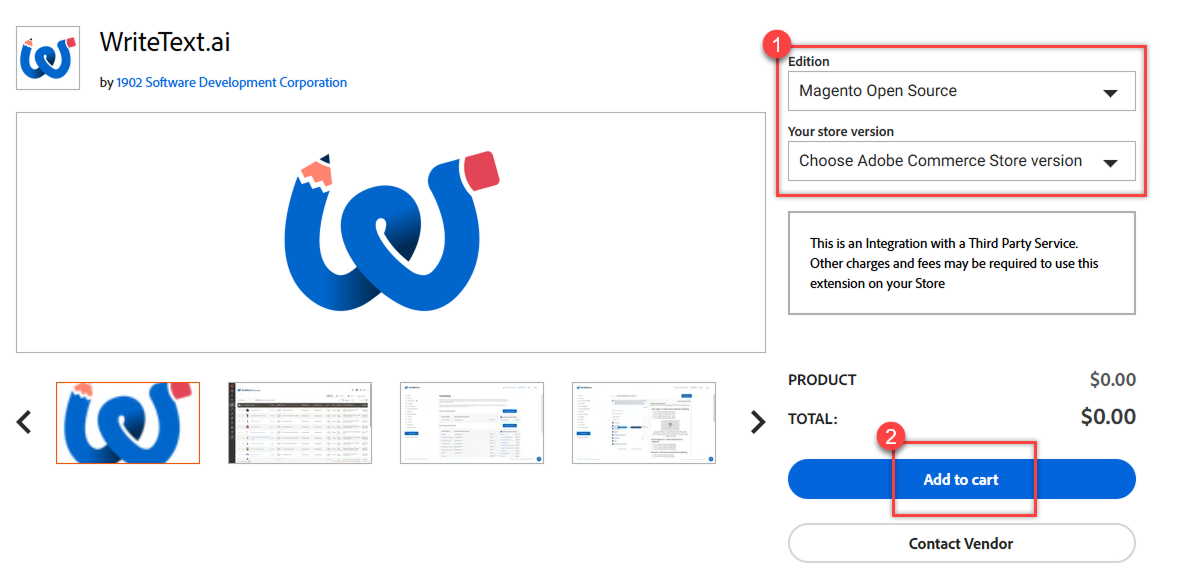
- Choose your Adobe Commerce edition and store version that matches your store installation.
- Click Add to Cart.
- Proceed through the Marketplace checkout flow:
-
Review your cart.
- Sign in to your Adobe/Magento Marketplace account if prompted.
- Complete the order.
-
- After order completion, Adobe will associate the extension with your Marketplace account — this allows you to install it in your Commerce project.
Install the Extension via composer
- In the command line, navigate to the root directory of the Magento installation.
- Run the command:
composer require writetextai/writetextai:<version>to install the writetext.ai extension.
Replace<version>with the specific version number you wish to install.
- When prompted, enter your Magento Marketplace access keys.
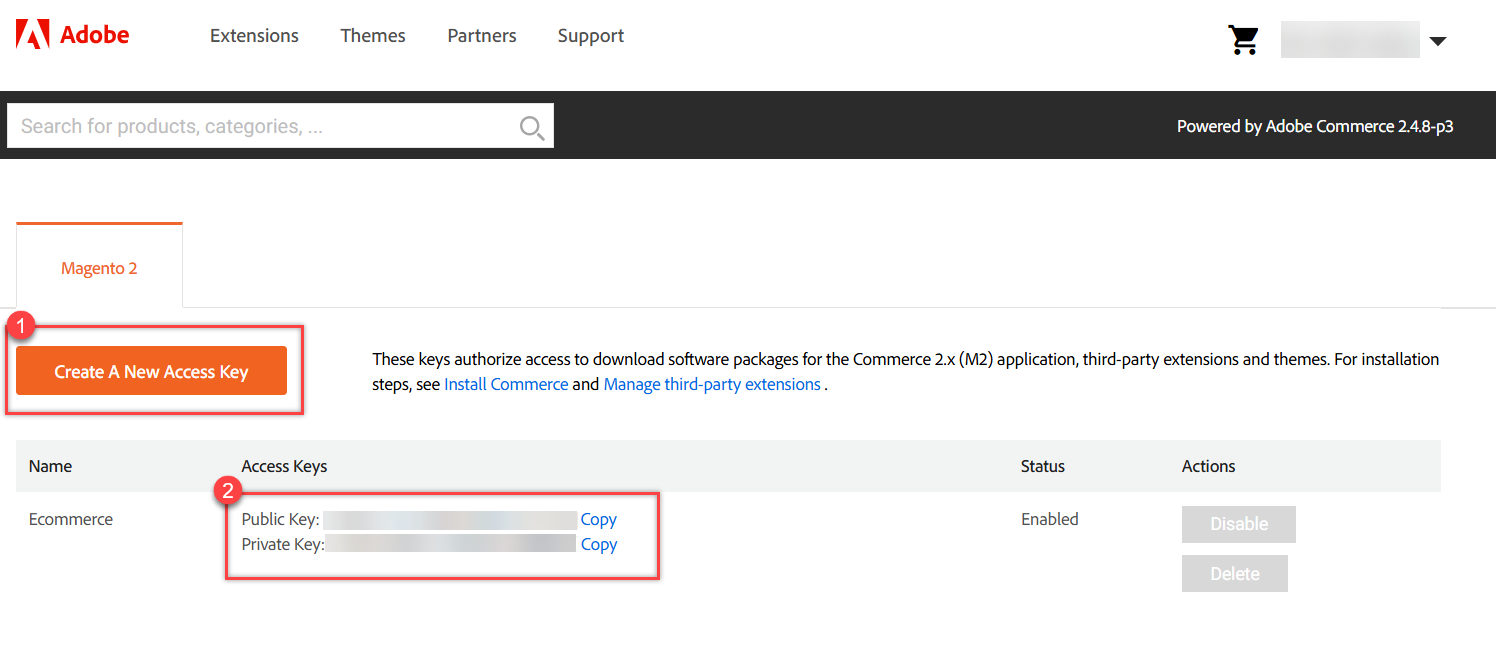
Make sure you have your Magento Marketplace access keys (public and private), as these are required for Composer to fetch the extension from repo.magento.com.- Log in to Commerce Marketplace (your account).
- Go to My Profile → Marketplace → Access Keys.
- Create/Copy your Public Key (Username) and Private Key (Password).
- Run the command
php bin/magento module:enable WriteTextAI_WriteTextAIto enable the extension. - Run the following commands to upgrade, deploy, and clean the cache:
php bin/magento setup: upgradephp bin/magento setup:di:compilephp bin/magento setup:static-content:deploy -fphp bin/magento cache:clean
Complete Extension Setup in Magento Admin
- Log in to your Magento Admin panel.
- Navigate to the WriteText.ai Module.
- Follow the on-screen setup guide.
CONTENTS