WriteText.ai 4.5 is here: expanded alt text coverage, default templates, and more. See what's new.

WriteText.ai 4.5 is here: expanded alt text coverage, default templates, and more. See what's new.
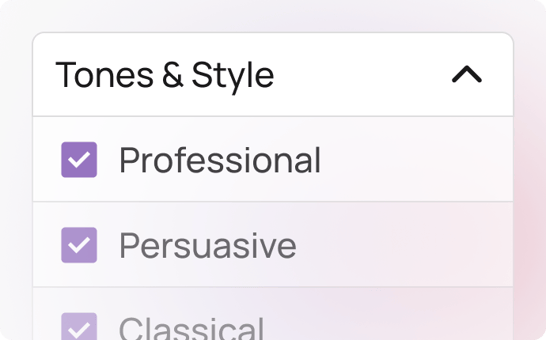
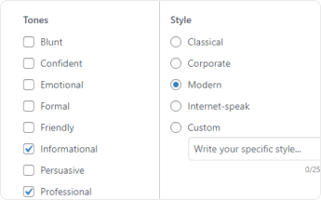
WriteText.ai comes with predefined variations of different tones and styles that you can mix and match to capture your brand and make AI write in the same voice. You also have the option to enter your own custom tone and style to configure the results of your WooCommerce AI product description if the existing options do not fit your needs.
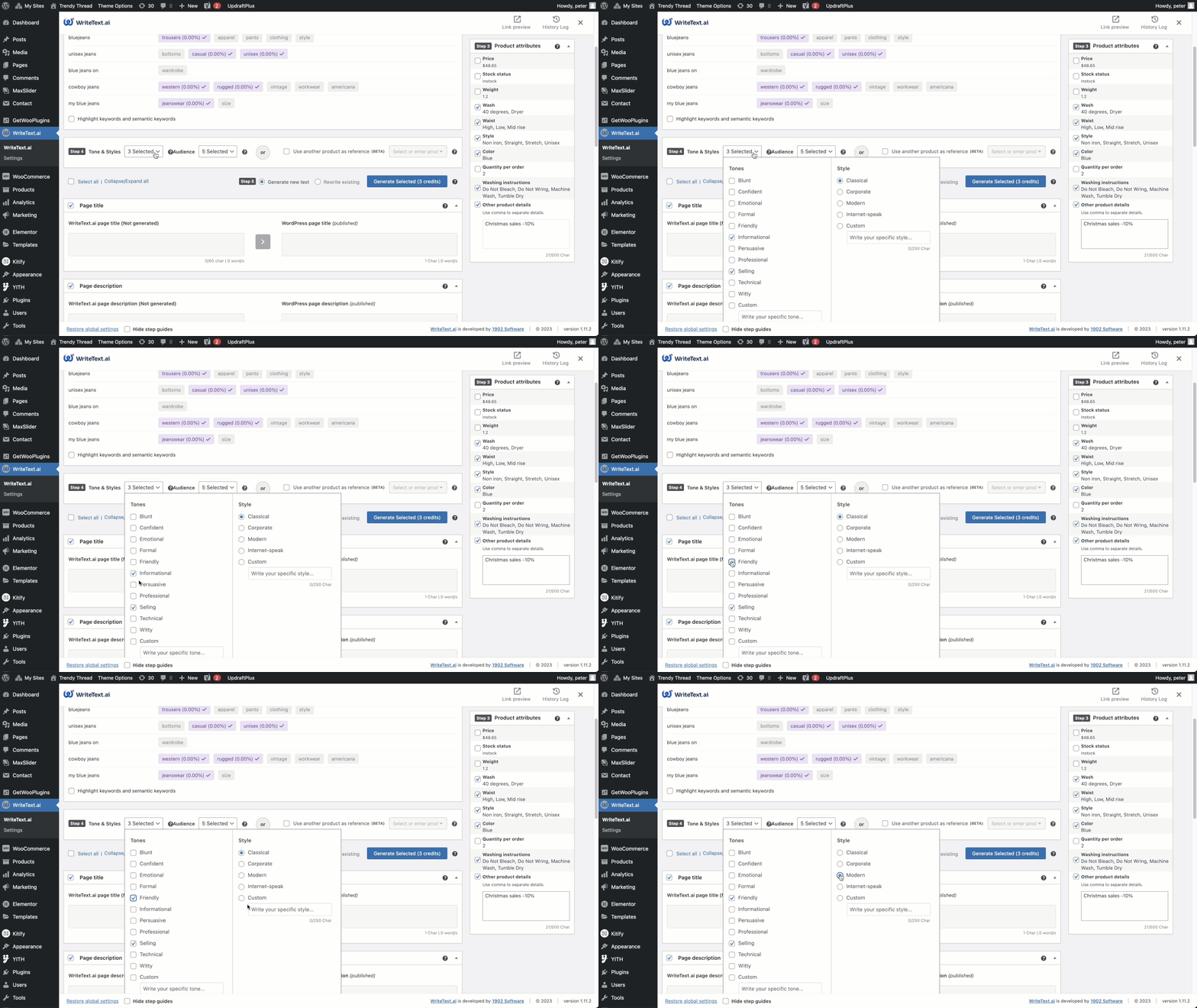
If you’re looking to maintain a consistent brand identity, appeal to diverse audience preferences, and produce content that resonates deeply with the target market, WriteText.ai’s tone and style selector offers unparalleled flexibility and control over how your content is perceived.
Maintain a unified tone and style across all product pages and other content.
Customize content to appeal to specific audience demographics.
Reduce time spent on manual edits with an intelligent WooCommerce product description plugin that automates tone and style generation.
Apply a wide range of tones and styles or create your own to fit unique brand needs.
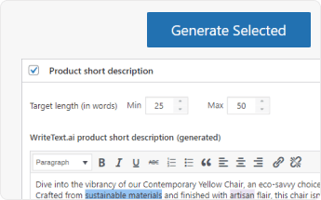

The custom tones and styles feature is only one feature among many available in WriteText.ai. Experience convenience and speed in ecommerce copywriting with WriteText.ai’s suite of features from bulk generation to keyword analysis, custom audiences, image analysis, and more. See full list of features here.
Using the custom tones and styles feature in WriteText.ai for WooCommerce offers numerous benefits, from improving brand consistency and SEO to enhancing user engagement and streamlining content creation. This advanced AI tool makes it easy to create high-quality, relevant outputs that resonate with your audience, ensuring your WooCommerce site stands out in a competitive market.
Changing your tone and style settings in WriteText.ai affects content generated from that point forward — it does not automatically regenerate existing published descriptions. To apply a new tone or style to existing products, you would need to regenerate content for those products, either individually or via bulk generation, using the updated settings.
Tone and style in WriteText.ai can be set per generation session, which means you can apply different settings to different products or categories when generating content. If you want consistent tone across a specific product type, you can set that tone when generating content for that group in bulk.
Tone and style controls the voice and format of the content — whether it reads as professional, playful, or minimal. Audience targeting shapes who the content is written for — influencing which benefits are emphasized, what language is used, and what assumptions the copy makes about the reader. The two work as complementary inputs: you set tone to control how WriteText.ai sounds, and audience to control who it speaks to. Using both together gives you the most precise output — a specific voice aimed at a specific customer.
The custom tone and style field in WriteText.ai accepts free-text input, and you can be as specific or as detailed as your brand voice requires. You might enter something brief like "Luxurious, Minimal" or something more descriptive like "Warm and conversational, like advice from a knowledgeable friend — never corporate, never pushy." WriteText.ai uses your description as a guide when generating content, so more specific and distinctive descriptions tend to produce output that is closer to your actual brand voice. It is worth experimenting with different phrasings to find what produces the best results for your store.
Tone and style settings apply in both single and bulk generation modes in WriteText.ai. When running a bulk generation session, you set the tone and style for the entire batch before triggering generation — all products in that run will be generated using the same voice settings. This makes it straightforward to ensure consistency across a large group of products in one pass, rather than configuring tone per product individually.
Tone and style settings influence how content is written, not which keywords are targeted — so changing your brand voice does not directly affect your keyword strategy or SEO performance. Content written in any tone can be optimized for the same search terms, provided the keywords are incorporated naturally and the content remains readable and relevant. WriteText.ai handles keyword integration alongside tone settings in the same generation pass, so the two do not conflict. If you regenerate content with a new tone, the keyword targets you have set will still be applied in the updated output.
WriteText.ai retains your tone and style settings within the current generation workflow, so you usually don’t need to re‑enter them for subsequent runs. For more structured preset management — for example, saving multiple named brand voices for different product lines — WriteText.ai's template system is the recommended approach, as templates can include tone and style configurations alongside content structure settings. This lets you define a complete content profile once and apply it consistently across any product range.
Yes — if the generated content does not match your intended tone, you can adjust your custom tone description and regenerate with one click. WriteText.ai does not publish content to your WooCommerce store until you choose to transfer it, so you have full opportunity to review and regenerate before anything goes live. Experimenting with more specific or differently worded tone descriptions often helps narrow the gap between what you had in mind and what WriteText.ai produces.